How Ibotta Actually Works: Scan Receipts, Get Cash Back
A step-by-step guide to earning cash back on groceries through the Ibotta app, from adding offers to cashing out your earnings.
Ibotta is a cash-back app that pays you real money when you buy qualifying products and submit proof of your purchase. The core idea is simple: you add offers to your list before you shop, make your purchase, then either scan your paper receipt or link a loyalty account so Ibotta can verify what you bought. If your items match the offers you added, cash back gets deposited into your Ibotta account. Once you hit the withdrawal threshold, you can transfer that money to your bank, PayPal, or convert it into gift cards. This guide walks through exactly how the process works—what you need to do at each step, the rules that can trip you up, and how to actually get your earnings out of the app.
What Ibotta Is and How the Cash-Back App Works
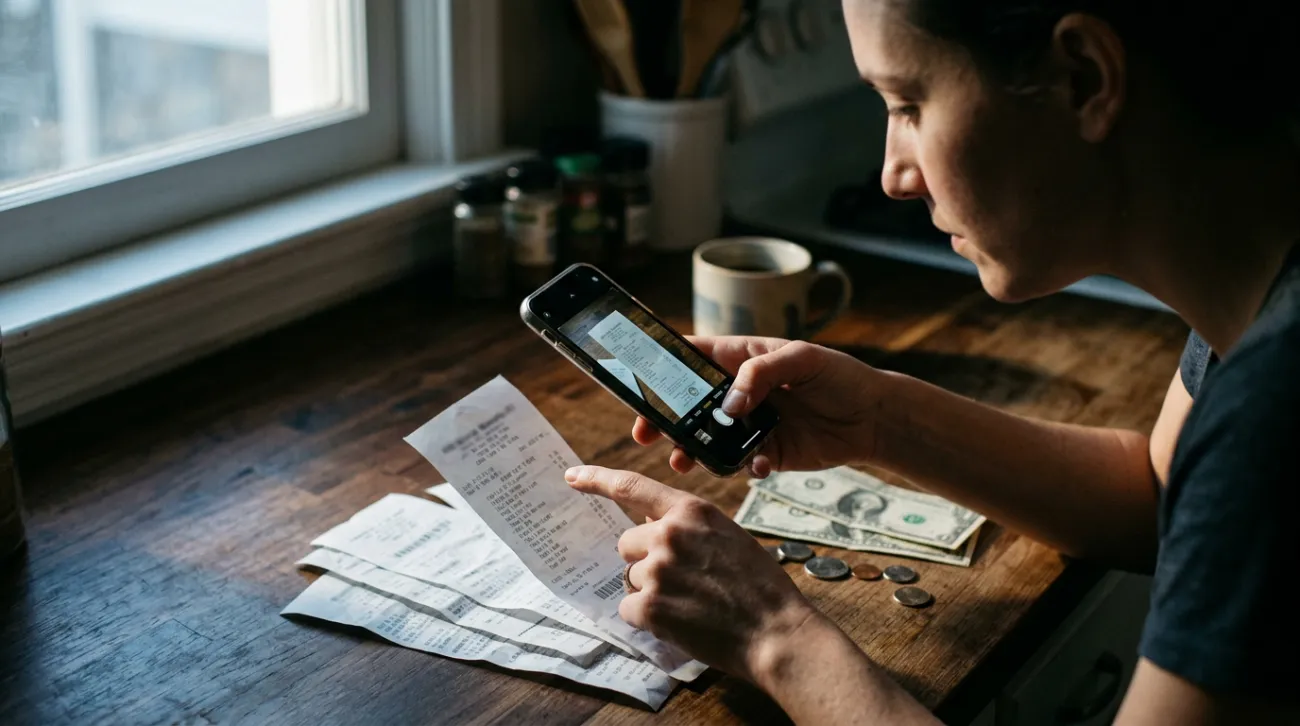
Ibotta operates as a middleman between brands and shoppers. Brands pay Ibotta to promote their products through cash-back offers, and Ibotta passes a portion of that payment to you when you buy those products and prove it. You earn cash back only by purchasing qualifying items—this is not free money, but rather a rebate on things you were already planning to buy.
The app shows you available offers organized by retailer and product category. Each offer displays a cash-back amount for a specific product, and according to Ibotta’s official how-it-works page, offer amounts shown in images may not reflect currently live offers—meaning the deals change regularly. Before you head to the store, you need to tap the plus button on each offer you want to add it to “Your list.” This step is required before shopping; you cannot retroactively add offers after making a purchase and expect to get credit.
Three Ways to Earn Cash Back Through Ibotta
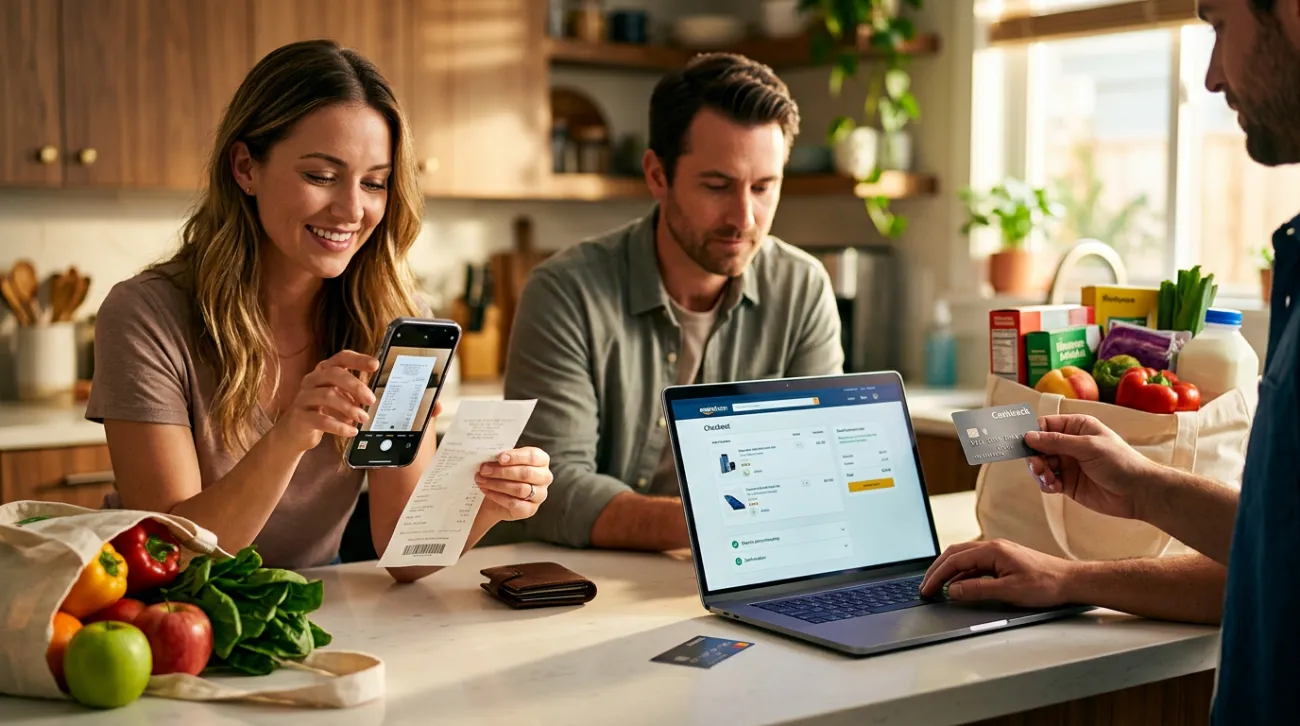
Ibotta provides three distinct methods for earning cash back, and which one you use depends on how and where you shop. The first and most common method is submitting a paper receipt from an in-store purchase. You shop at a qualifying retailer, keep your itemized paper receipt, then photograph it through the app. Ibotta’s system reads the receipt and matches your purchases against the offers on your list.
The second method involves linking your store loyalty account directly to Ibotta. Some retailers—Ibotta lists Walmart, Hy-Vee, and Giant Eagle as examples—allow you to connect your loyalty card so that when you make a purchase, the cash back is added automatically without needing to photograph anything. This is the most hands-off approach when available.
The third method covers online shopping. You activate an offer through the Ibotta website or browser extension, shop at the retailer’s site, and check out normally. After a pending period, Ibotta adds the cash back to your earnings. For online shopping, you can also sign up through Ibotta’s web registration to access exclusive offers from various online retailers and brands.
What You’ll Need Before You Start
A smartphone — The Ibotta app is available for iOS and Android devices.
The Ibotta app installed — Download from your device’s app store.
A paper receipt — For in-store purchases, you need the itemized receipt printed at the register. Digital receipts, e-receipts, and receipts printed at home are not accepted.
How to Scan a Receipt on Ibotta: Step by Step
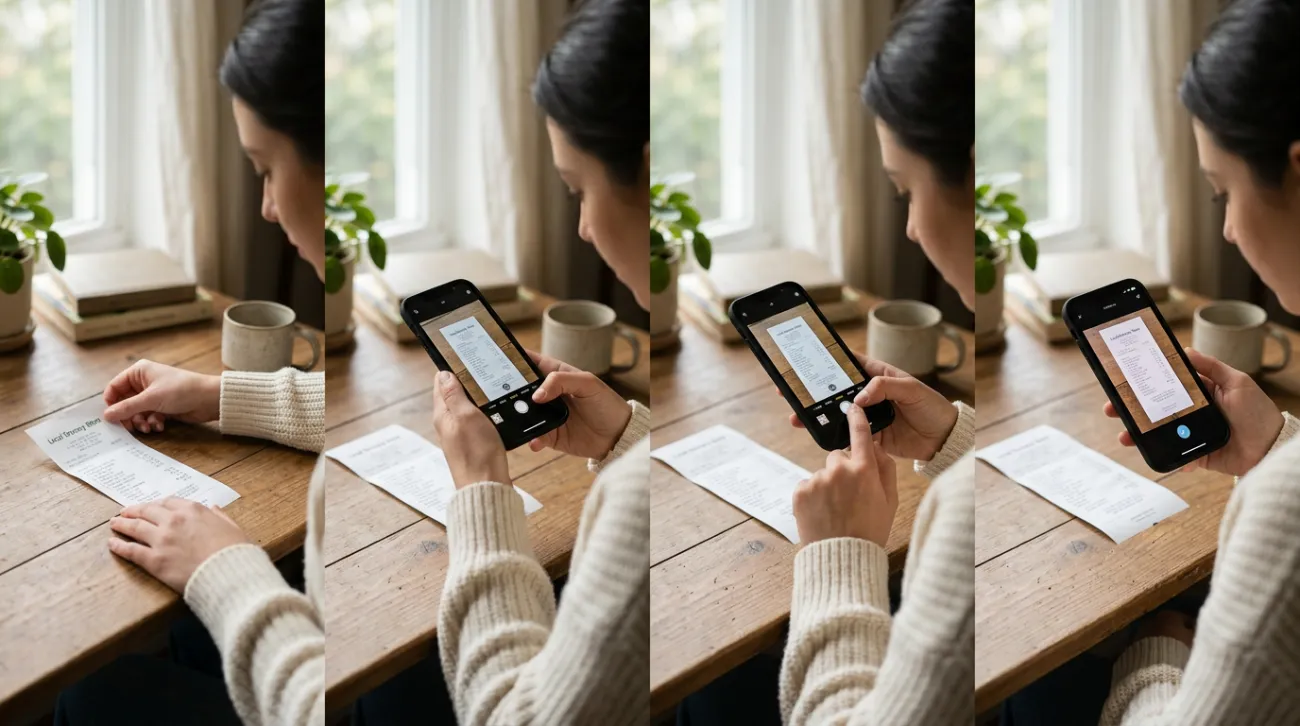
The receipt-scanning process is where most of the work happens for in-store shoppers. According to Ibotta’s guide on submitting receipts, here is the sequence you need to follow:
- Download the app and create an account. You can download Ibotta from the App Store for iPhone or get it on Google Play for Android devices.
- Add offers to your list before you shop. Browse the available offers and tap the plus button on each one you want. This step must happen before your purchase—offers cannot be added retroactively.
- Shop at a qualifying retailer and keep your paper receipt. Only retailers that show “In-store” under their name in the Redeem section of the app qualify for receipt-based offers. Make sure you receive an itemized paper receipt printed at the register.
- Open the Redeem section and select your retailer. Tap Redeem in the app, choose the store where you shopped, and confirm the offers you added are still on your list.
- Tap Submit receipt and photograph it. The app will guide you to capture the receipt. Place it on a flat surface so the store name, date, itemized products, and total are all clearly visible. For long receipts, you can submit multiple sections. According to Ibotta’s receipt scanning guide, some submissions may ask you to scan product barcodes, so keep your items nearby while uploading.
- Confirm which offers you expect cash back for. After the receipt processes, Ibotta matches it to your list and asks you to confirm the offers you’re claiming.
- Wait for your cash back. Ibotta states that cash back should arrive within 72 hours, and the review process can take up to 24 hours. Keep your paper receipt until the cash back appears in your account.
Receipt Rules That Can Get Your Submission Rejected
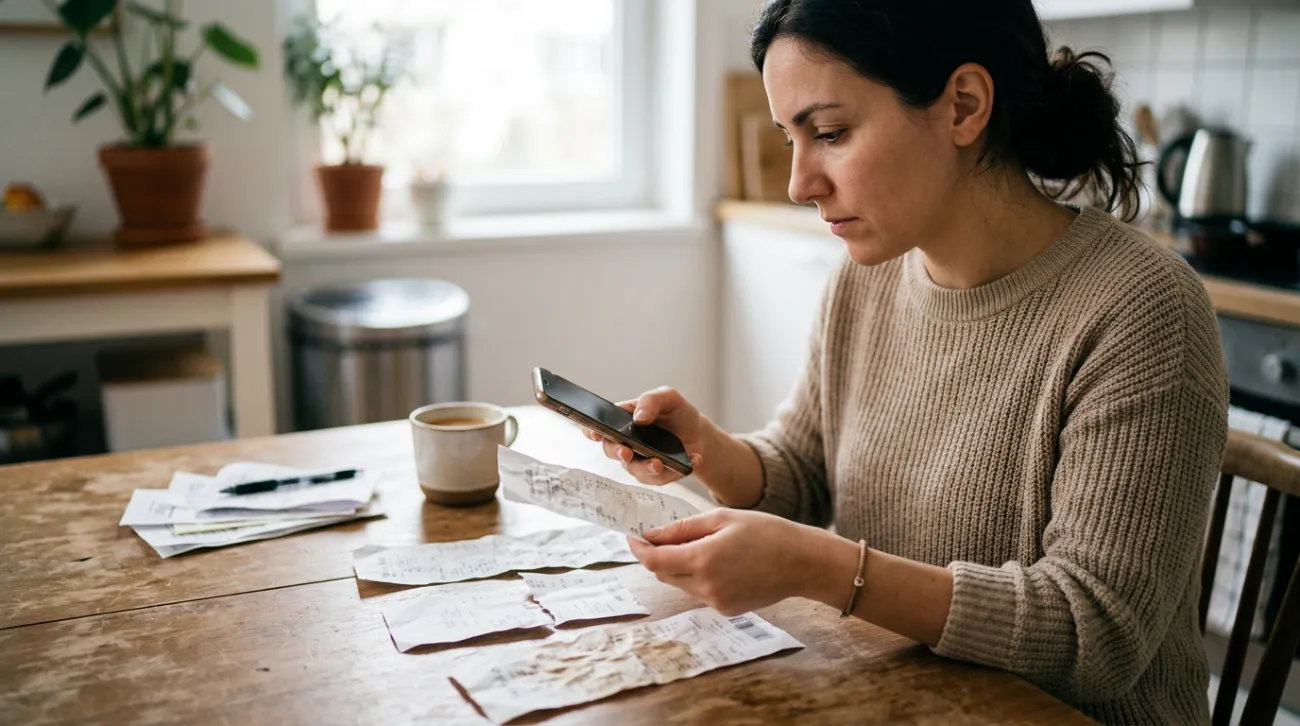
Not every receipt qualifies for cash back, and understanding Ibotta’s receipt qualification rules can save you frustration. The receipt must be a paper receipt printed from the point-of-sale system at the register. Digital receipts, e-receipts, emailed grocery pickup receipts, screenshots, and receipts printed at home are not accepted for in-store cash back.
Your receipt must clearly show the store name, store logo, store location, date and time, subtotal and total, and a complete itemized list of all purchases. If any of these elements are missing, cut off, or unreadable, your submission may be rejected. Receipts that are folded, wrinkled, taped together, written over, or altered in any way also do not qualify. Printing errors or marks that prevent the system from reading the receipt will cause rejection as well.
The timing matters significantly. According to Ibotta’s deadline policy, you must submit your receipt within 7 days of your purchase—down to the minute. If you bought groceries on Sunday at 6 PM, your deadline is the following Sunday at 5:59 PM. After that, the receipt is marked as too old and is not eligible for cash back.
You also cannot share a receipt with another Ibotta user or submit receipts for returned or exchanged transactions. Receipts printed on 8.5 x 11 paper are generally not considered valid unless otherwise noted.
Key Rules to Remember
Paper receipts only — Digital, emailed, or home-printed receipts are not accepted for in-store offers.
7-day submission window — Receipts must be submitted within 7 days of purchase to the minute.
Add offers first — Offers must be added to your list before you make your purchase.
Cash back arrives within 72 hours — Review can take up to 24 hours; keep your receipt until credit appears.
$20 minimum to withdraw — You cannot cash out until your earnings reach this threshold.
How to Cash Out Your Ibotta Earnings
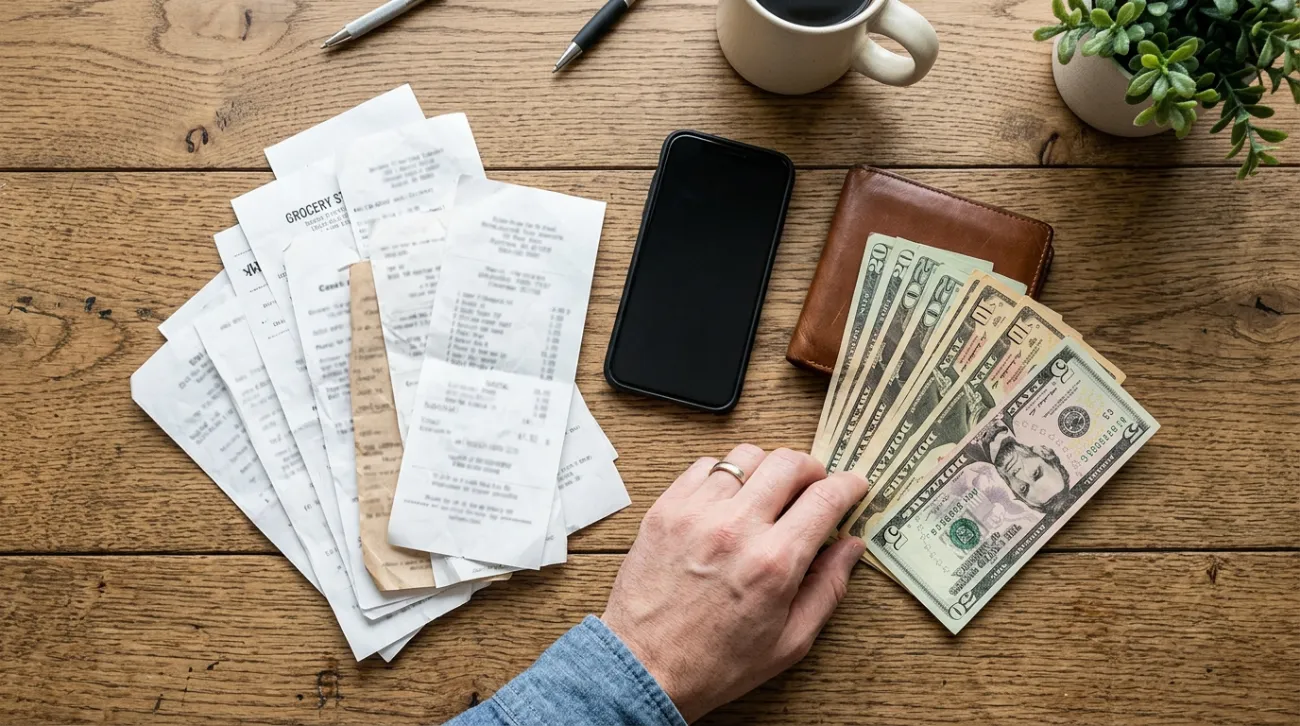
Once your earnings reach $20, you can withdraw your money. According to Ibotta’s withdrawal options page, there are three ways to get your cash: transfer to your bank account, send to PayPal, or purchase a digital gift card through the app. Bank transfers require that your bank has opted into Ibotta’s earnings program, and some banks do not allow third-party transfers. PayPal withdrawals are processed through the app. Gift cards are delivered by email, and some gift cards have a minimum purchase of $25.
The official help page lists additional withdrawal qualifications: you must reach the $20 earnings threshold, successfully redeem at least one offer, and wait at least 7 days after redeeming your first offer or purchasing a gift card. Once you meet these requirements, receiving your funds can take anywhere from 0 to 5 days depending on which withdrawal method you choose. Check the Withdraw screen in the app for the most current requirements, as these terms can change.
What to Know Before You Start: Bonuses and Fine Print
Ibotta offers bonus opportunities that can help you earn cash back faster. According to Ibotta’s guide to bonuses, the Bonuses page in the app shows extra cash-back opportunities. To earn a bonus, you redeem the required offers and submit your receipt before the bonus expires. A welcome bonus exists for people who have never had an Ibotta account, and referral bonuses are available when you invite friends who are new to the platform.
If you believe you should have received cash back but did not, you can claim missing cash back through the app. This option is available once per purchase, within 7 days of the purchase date. You access it through the transaction in your earnings history, and the app will ask you to scan the item barcodes.
Be aware of account restrictions: only one account per device is allowed, and creating multiple new accounts can result in account deactivation. Offers and their amounts change frequently, so what you see in promotional materials may not reflect what is currently available. Always check the app for the latest deals before planning your shopping trip.
Is Ibotta Worth Using for Your Grocery Shopping?
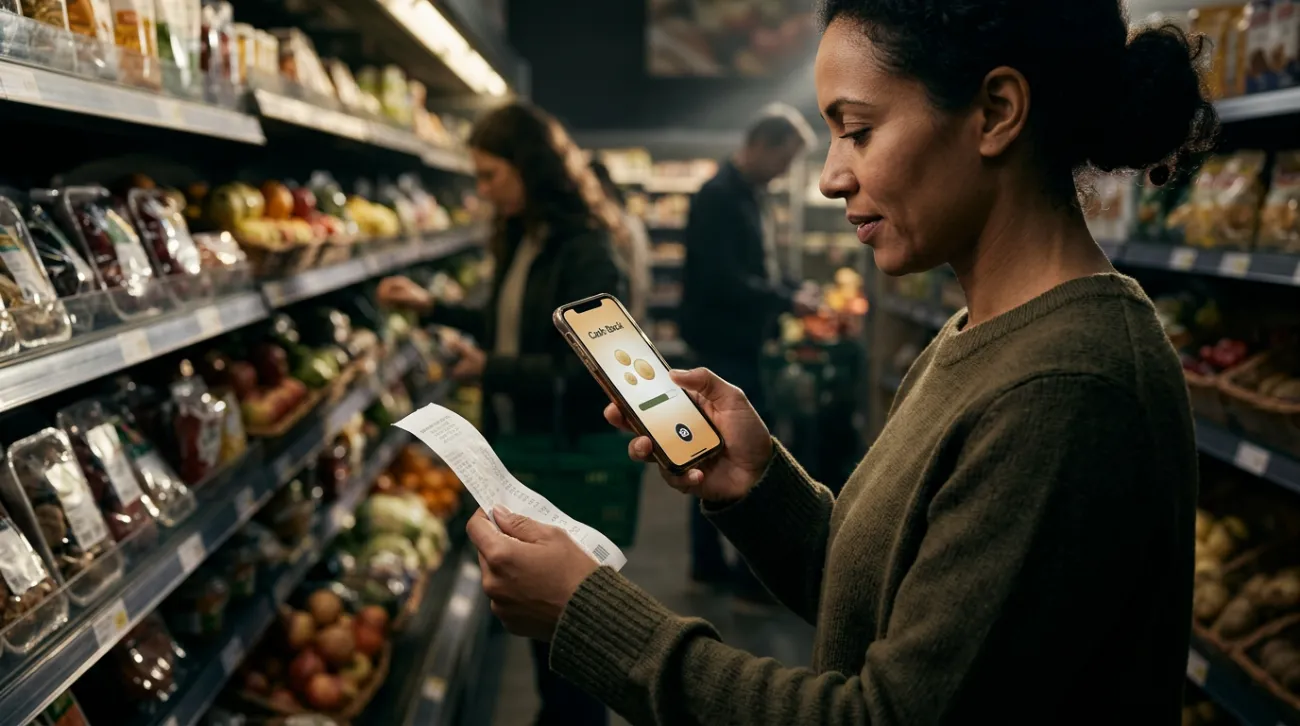
Ibotta can put real money back in your pocket on purchases you were already going to make—but it only works if you follow the rules. The most common mistakes are forgetting to add offers before shopping and waiting too long to submit the receipt. If you can build the habit of checking the app before you head to the store, keeping your paper receipt, and uploading it the same day, the cash back adds up over time. The $20 minimum means you will not see immediate payouts, but for shoppers who stick with it, the earnings are genuine. Add your offers first, submit within seven days, and keep that paper receipt until your cash back arrives.
Leave a Reply